The Emergency Response Guidebook, in your pocket. Even with no signal.
HazSight puts the official 2024 ERG (every material, isolation distance, and protective action) on your phone. Fully offline. Built for responders and the people who get there first.
- Edition
- ERG 2024
- Network
- 100% offline
- Price
- Freefor civilians & responders
Works with zero signal
Tunnels, rural highways, parking structures, dead zones: the worst incidents happen where there are no bars. Everything ships inside the app. Nothing is fetched at the scene, so HazSight opens and answers instantly, every time.
The official ERG 2024
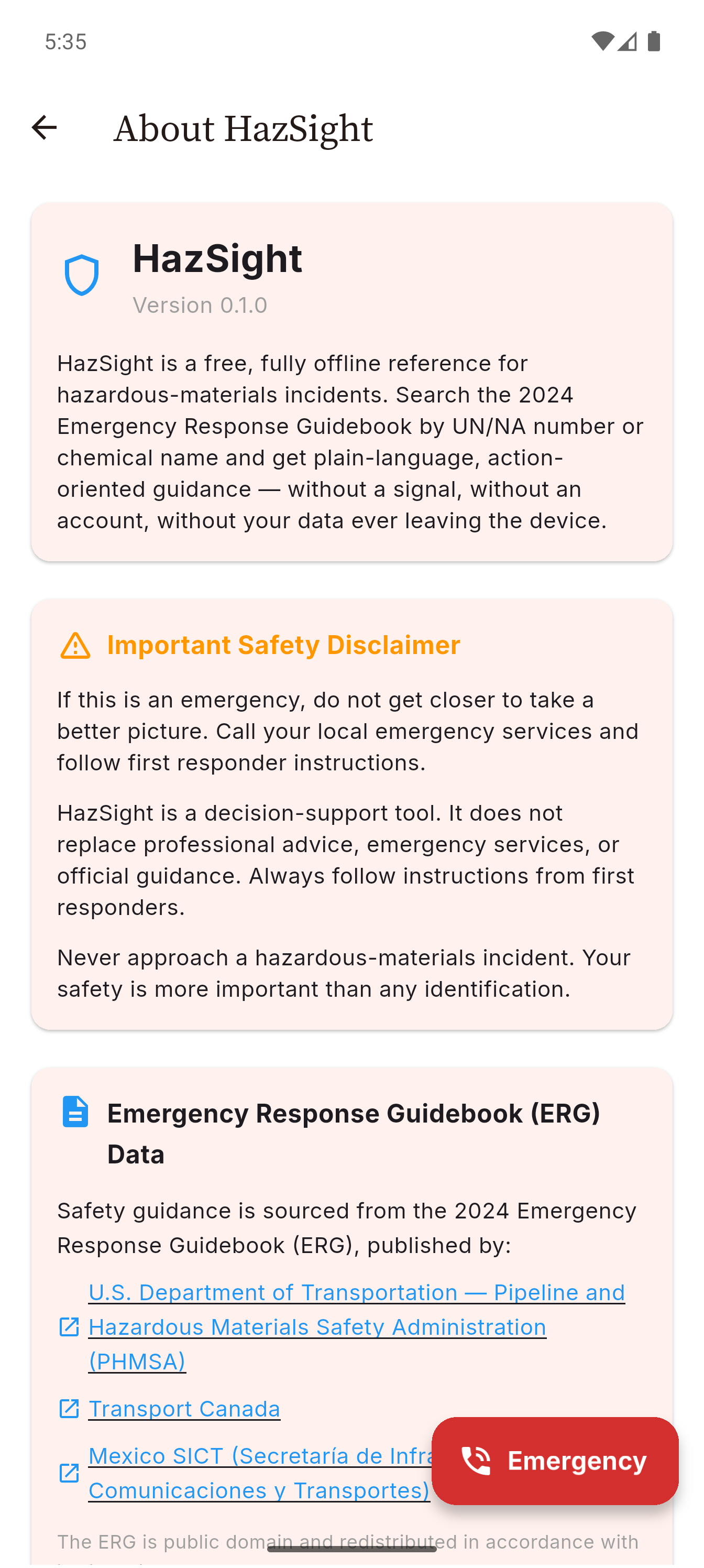
Built on the current Emergency Response Guidebook from the U.S. DOT. Every guide page, initial isolation distance, and protective-action distance: the same reference in the binder behind the seat, searchable in seconds.
One guidebook. The right level of detail for who's holding the phone.
Plain-language answers under pressure
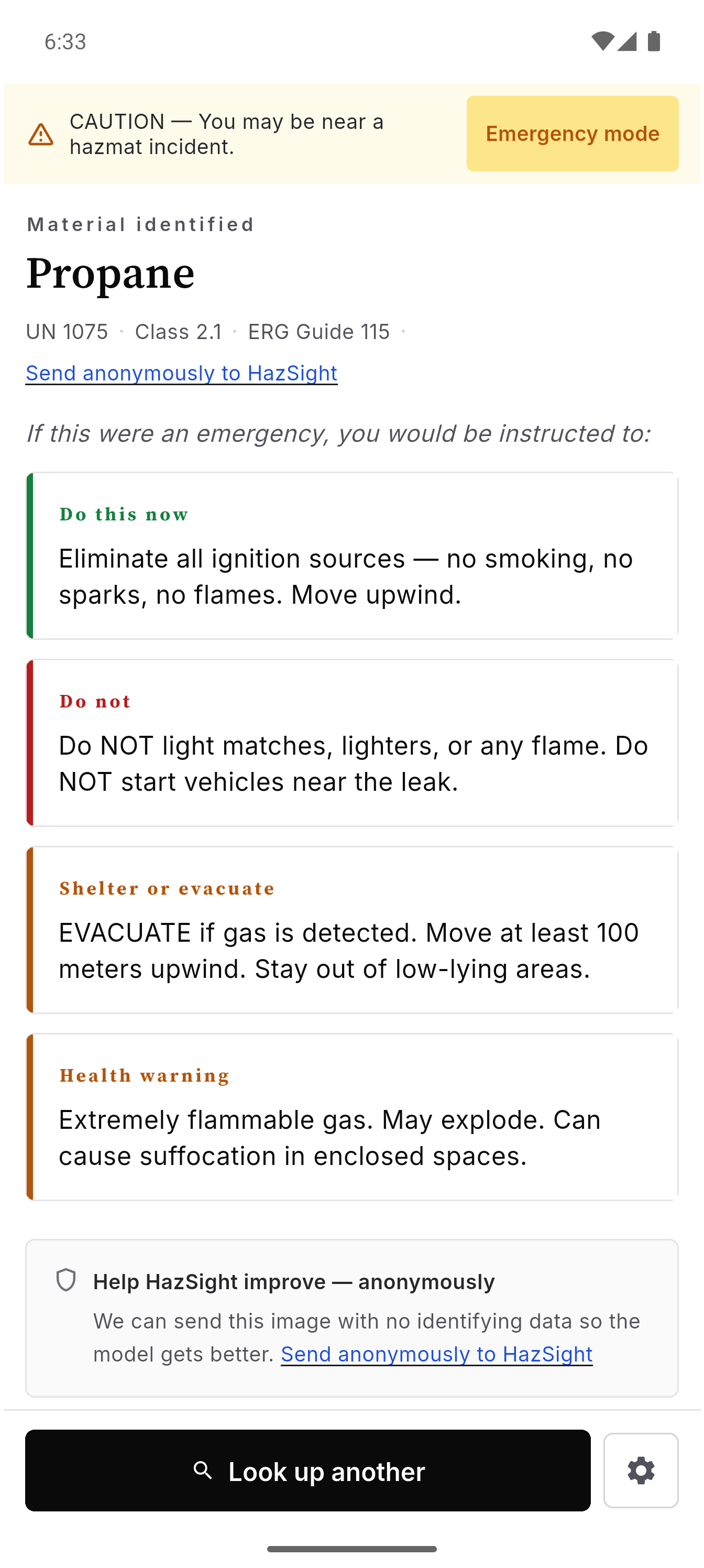
No jargon, no guide numbers to decode. HazSight tells you what the material is, how far to move, what to avoid, and when to call, in language anyone can act on.
- What it is, in one line
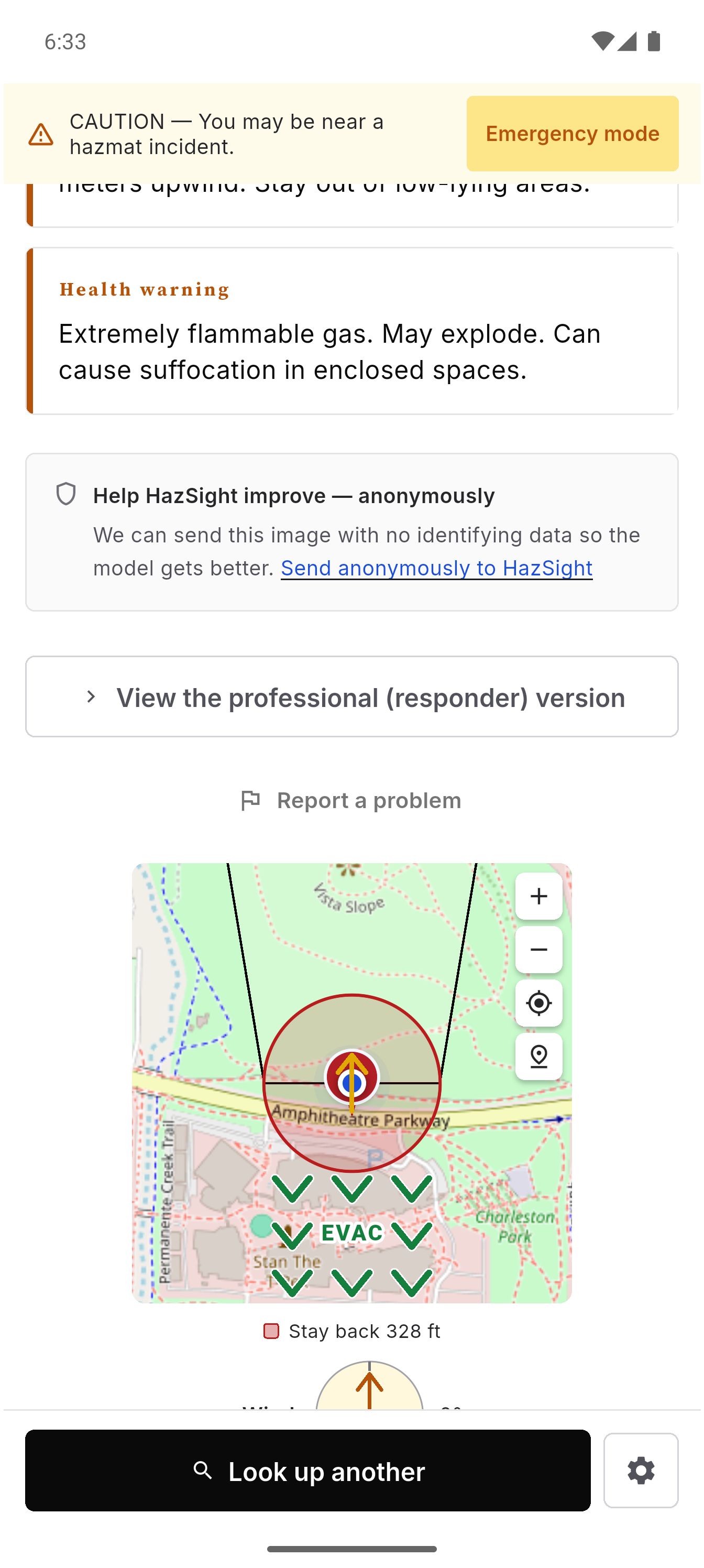
- How far to evacuate, right now
- What to do, and what not to do, while you wait
The full guide page, nothing softened
The complete ERG entry: fire and spill response, isolation and protective-action distances, polymerization hazards, first aid. The reference you trained on, sorted to the front.
- Full ERG guide pages
- Initial isolation & protective distances
- Fire, spill, and first-aid procedures
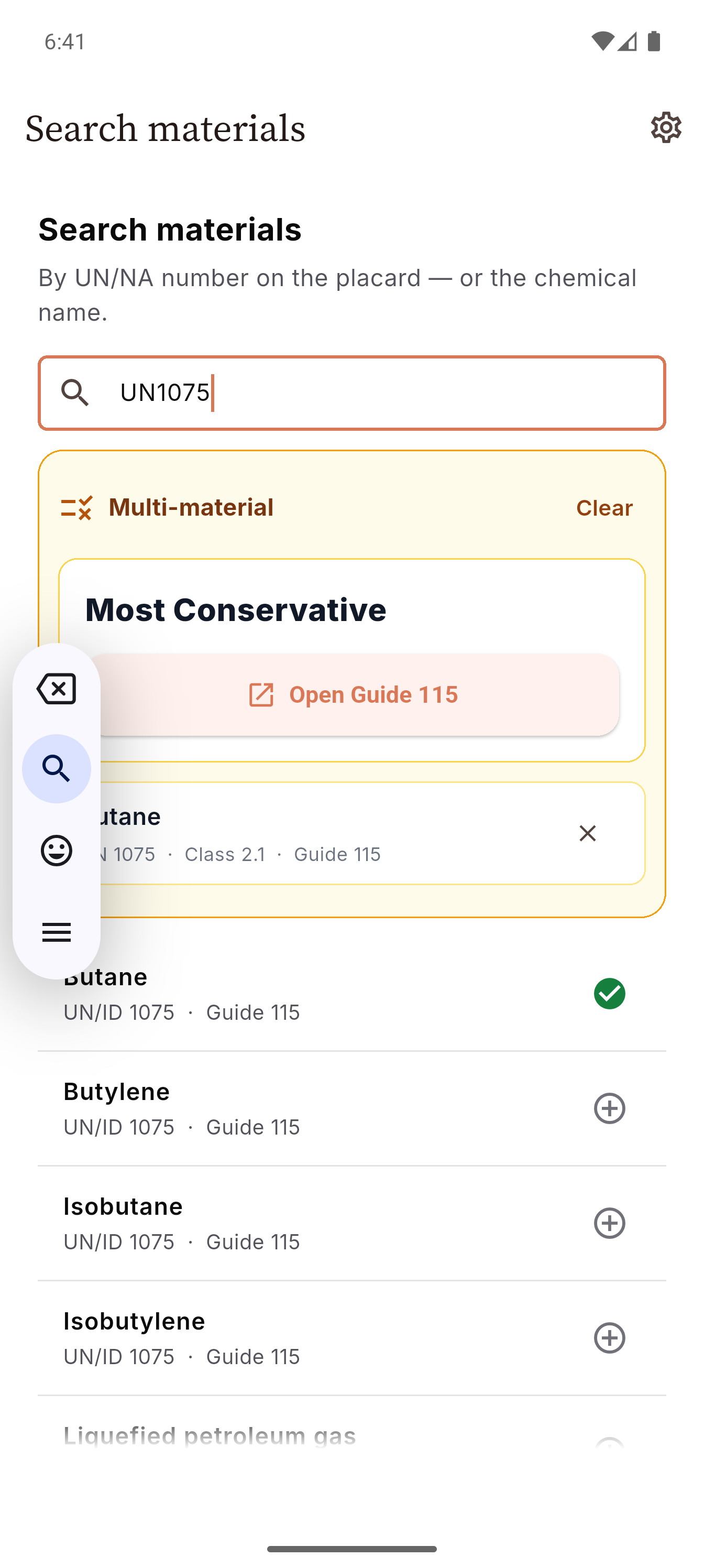
Search, read, and move in the time it takes to read the placard.
Put the guidebook in everyone's pocket.
Free for civilians and responders, offline, and ready before you arrive. Download HazSight today.